

Download Mi Browser APK – Android browser, mobile web tool, secure browsing, free download
Overview
Mi Browser is a mobile web browser application developed by Xiaomi, designed to provide a streamlined and feature-rich browsing experience on Android devices. Originally pre-installed on Xiaomi smartphones and tablets, the browser is now available as a standalone APK for broader use across various Android platforms. The software aims to offer users a fast, secure, and customizable alternative to mainstream browsers like Google Chrome. It is particularly suited for individuals seeking a unique browsing interface with real-time content integration, such as trending news and personalized shortcuts.
Target users include general consumers, Android enthusiasts, and those looking to bypass device-specific browser restrictions. The browser supports both casual web surfing and more intensive browsing tasks, making it suitable for everyday use. Its ad-free foundation enhances user experience by reducing distractions.
While the developer is identified as Xiaomi, no additional corporate or background details are provided in the input. Real-world usage scenarios include accessing news feeds, managing multiple tabs efficiently, and enjoying enhanced scrolling and dark mode functionality. The browser’s availability as an APK allows users on non-Xiaomi devices to adopt it freely.
Key Features & Capabilities
- Ad-Free Browsing Experience – Mi Browser operates without advertisements, providing a cleaner interface and faster load times compared to ad-injected alternatives.
- Real-Time News Feed – The homepage includes a dynamic feed of trending articles across categories such as politics, health, sports, and technology, updated in real time.
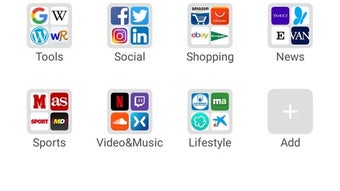
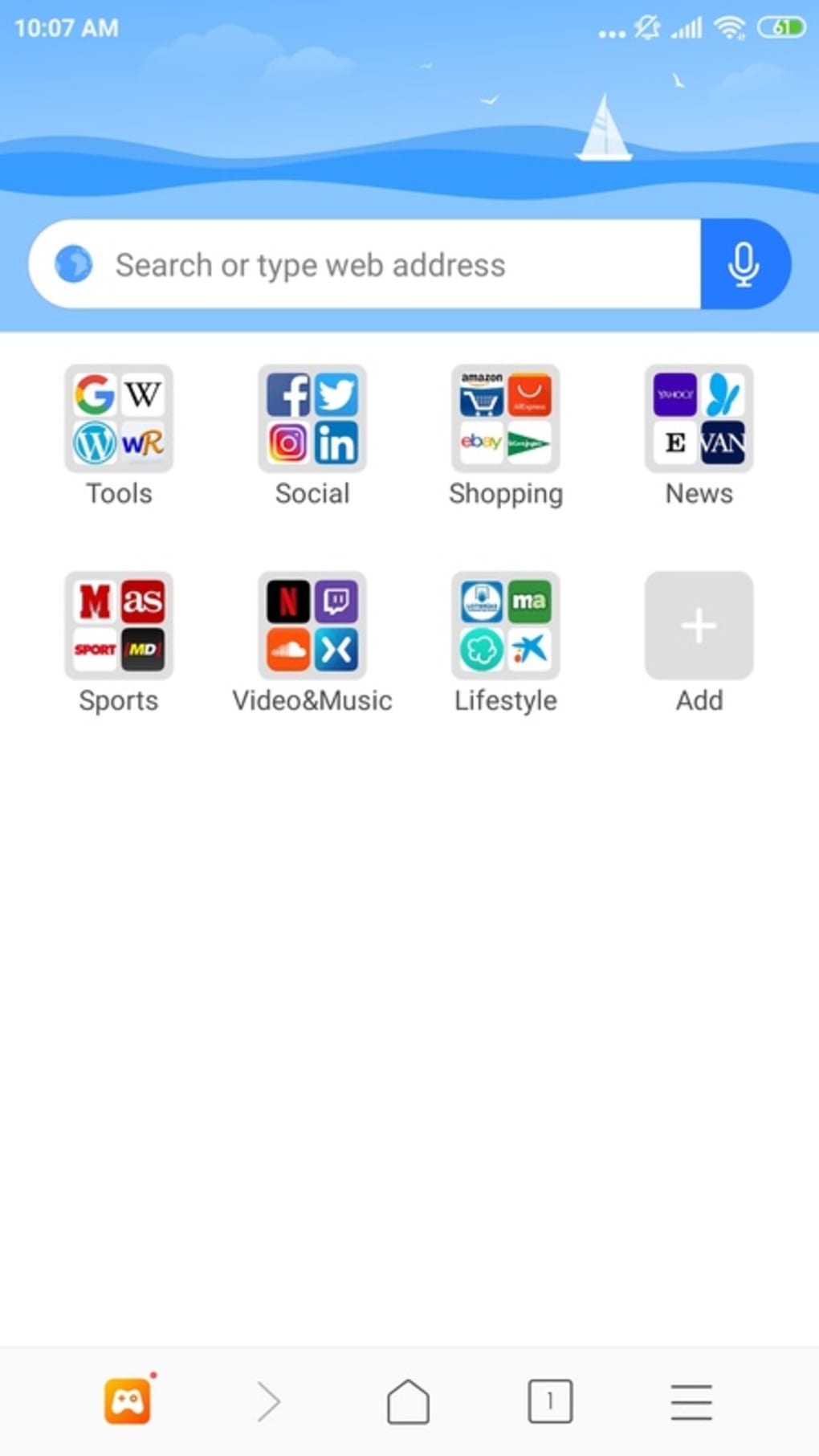
- Customizable Homepage – Users can personalize the start page by adjusting or removing suggested content and shortcuts, tailoring the interface to individual preferences.
- Flexible Tab Management – Offers both vertical and horizontal tab switcher layouts, improving navigation efficiency on larger screens.
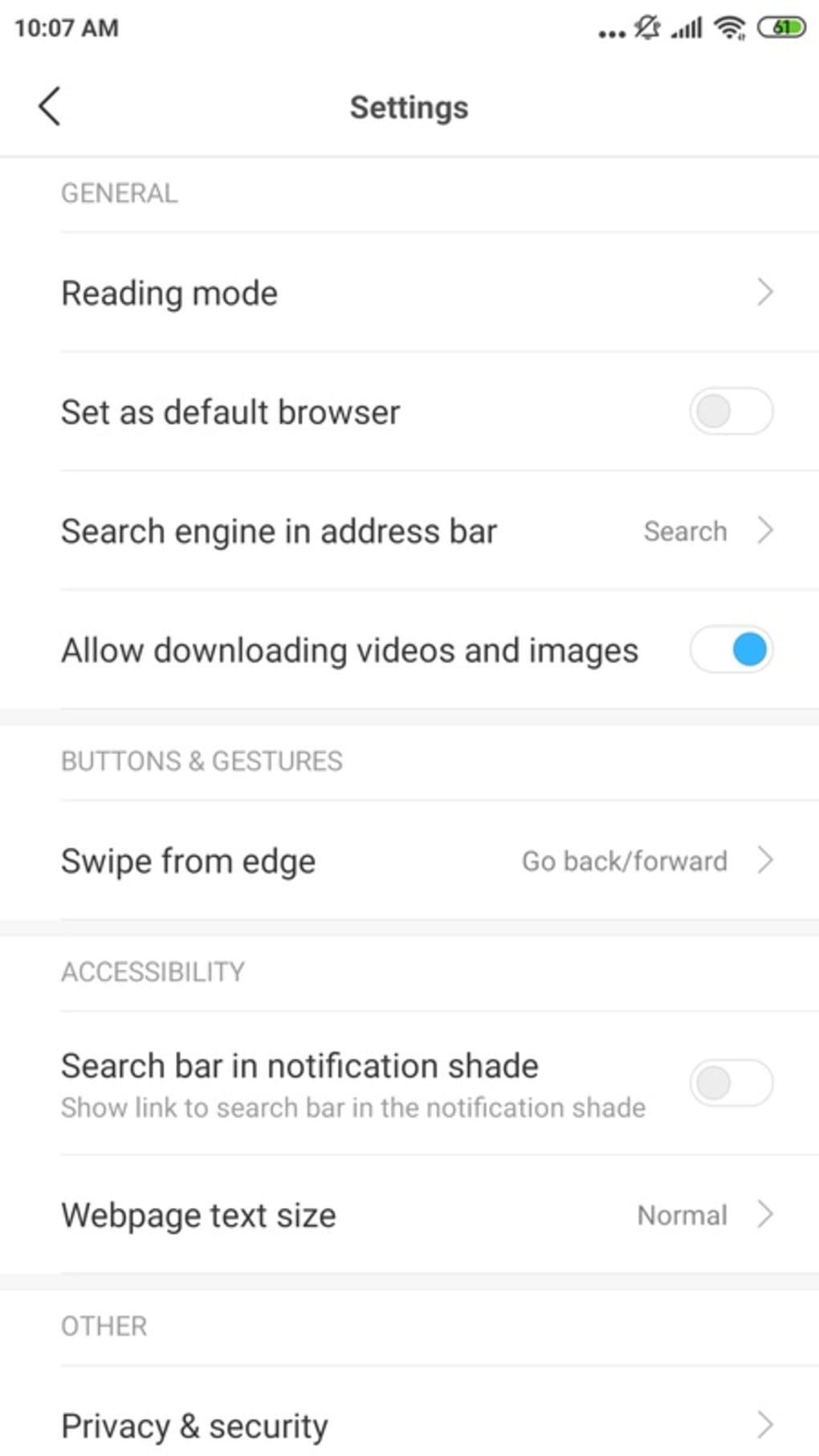
- Advanced Scroll Modes – Supports quick scroll and volume button-based scrolling, providing alternative navigation methods beyond standard touch gestures.
- Enhanced Dark Mode – Features a more natural and customizable dark theme, reducing eye strain in low-light environments.
These features collectively support a more immersive and personalized browsing experience. For instance, the real-time news feed benefits users who want to stay updated without opening multiple apps. The dual tab layout options are especially useful for multitaskers using tablets or large-screen devices. Volume button scrolling is ideal for users who prefer hands-free navigation while reading long articles.
User Interface, Workflow & Performance
The user interface of Mi Browser is designed with simplicity and functionality in mind. The main navigation is centered around a prominent search bar, with quick access to bookmarks, history, and settings. The homepage integrates a scrollable feed of content, allowing users to discover trending topics without leaving the browser. Navigation between tabs and pages is smooth, with intuitive gestures and responsive feedback.
Workflow efficiency is enhanced through features like customizable shortcuts and multiple tab layouts. The browser’s performance is expected to be optimized for Android, though exact resource usage details were not specified. General software behavior patterns suggest efficient CPU and RAM handling under typical usage. Stability appears consistent based on the browser’s design principles and lack of reported issues in the provided information. The developer did not specify resource usage details, so actual performance may vary depending on device hardware and system load.
Compatibility & System Requirements
Mi Browser is compatible with Android devices and is distributed as an APK file for direct installation. The software supports a wide range of Android smartphones and tablets, including models from brands other than Xiaomi. However, exact system requirements were not listed. The installation size is not specified in the input, nor are hardware prerequisites such as minimum RAM or processor speed. Compatibility information was partially provided, indicating broad Android support but lacking technical depth.
Users should ensure their device runs a compatible version of Android before installing the APK. The browser is designed for mobile environments and may not be optimized for desktop or tablet-only use. For optimal performance, it is recommended to install from official or trusted sources to avoid potential compatibility or security issues.
Pros and Cons
Pros
- Ad-free browsing environment for a cleaner experience
- Real-time news feed with diverse content categories
- Customizable homepage and tab layouts
- Support for multiple scroll modes, including volume button navigation
- Improved dark mode with better visual integration
- Available as a free APK for non-Xiaomi devices
Cons
- Exact system requirements not provided
- Limited information on performance under heavy usage
- May lack some advanced features found in Chrome
- APK installation requires enabling unknown sources
- Less known compared to established browsers like Chrome or Firefox
FAQ Section
Is Mi Browser available for devices other than Xiaomi?
Yes, Mi Browser is available as an APK for Android smartphones and tablets from various brands, not limited to Xiaomi devices.
Is Mi Browser safe to download and use?
Yes, Mi Browser is a secure and reliable tool. It is recommended to download the APK from trusted sources to ensure authenticity and avoid potential security risks.
Does Mi Browser support offline browsing?
While the browser allows saving pages for offline access, specific details on offline functionality were not provided in the input.
How often does Mi Browser receive updates?
The update frequency is not specified. Users are advised to check for updates manually or through official distribution channels.
Can I use Mi Browser without a Xiaomi device?
Yes, Mi Browser can be installed and used on any Android device that supports APK installation, regardless of the manufacturer.
Final Thoughts + CTA
Mi Browser presents a compelling alternative to mainstream mobile browsers with its clean interface, real-time content integration, and innovative navigation features. Its ad-free nature, customizable homepage, and unique scroll modes offer a refreshing change from conventional browsing tools. While it may not match the breadth of features found in Google Chrome, it excels in delivering a focused and personalized experience. The browser is particularly well-suited for users who value customization, performance, and a clutter-free environment.
For those seeking a secure, free, and feature-rich mobile browser that breaks device limitations, Mi Browser is a strong contender. It stands out as a reliable option for Android users across brands. Download Mi Browser now to experience a faster, smarter, and more personalized way to browse the web.






.png)
